5 Essential Smartphone Apps You Need for Driving and Navigating in Japan
So, you’ve decided to rent a car and explore Japan. Great choice! A road trip is one of the best ways to discover the country’s hidden gems, from serene mountain temples to dramatic coastlines, all at your own pace. But let’s be honest, the thought of navigating unfamiliar roads, deciphering Japanese signs, and dealing with a complex toll system can be a little intimidating.
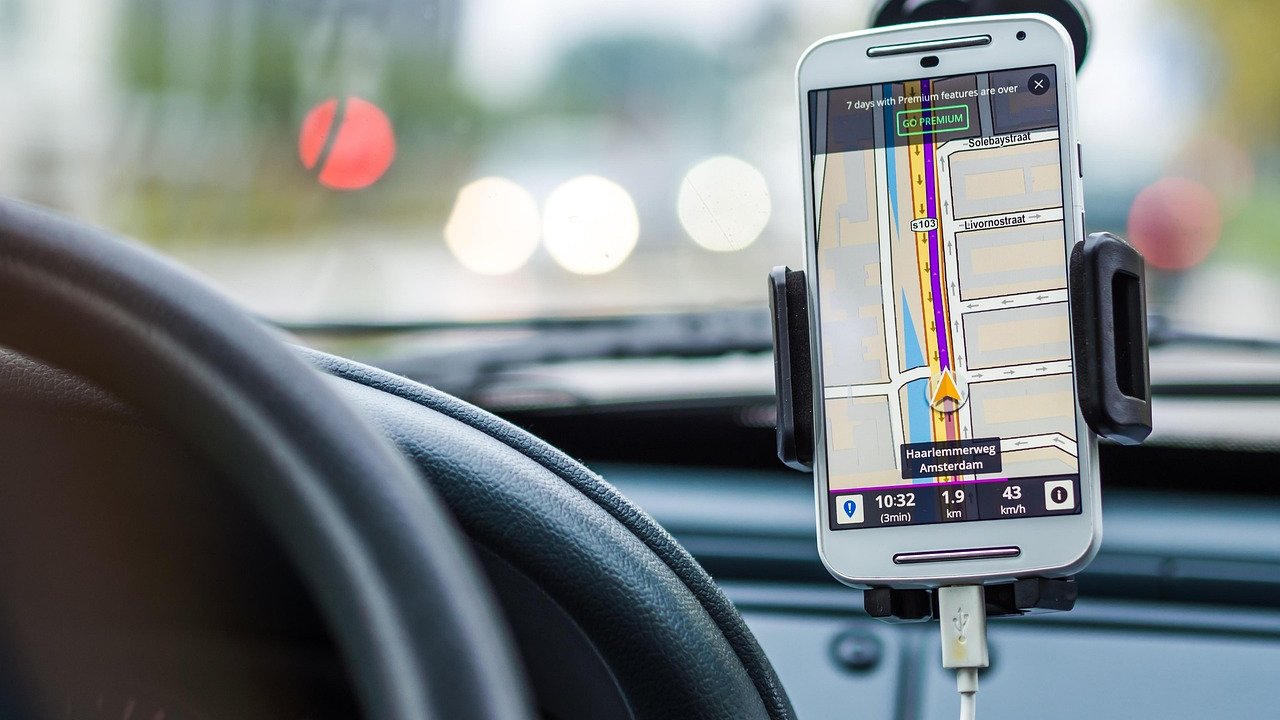
Don’t worry. Your smartphone is about to become the most valuable co-pilot you could ask for. While your rental car will likely come with a built-in navigation system, a few key apps can transform your driving experience from stressful to seamless. They’ll help you find the best routes, understand costs, break down language barriers, and even keep you safe.
Here are the five essential apps that will make your Japanese road trip smoother, cheaper, and a lot more fun.
Why Your Smartphone is Your Best Co-Pilot in Japan
You might be wondering why you need apps when your rental car has a GPS. While built-in navigation is useful, relying on it alone can sometimes lead to frustration. Smartphone apps offer real-time information, user-friendly interfaces you’re already familiar with, and features that go far beyond basic directions. Think of your phone not as a replacement, but as a powerful upgrade to your car’s system.
Beyond the Built-in Car Navigation System
The GPS in your rental car is a solid tool, but it often has one major drawback: its map data might not be completely up-to-date. Japan’s road network is constantly evolving, with new expressways and interchanges opening regularly. A smartphone app, on the other hand, pulls the latest map data from the cloud, ensuring you’re guided along the most current and efficient routes. It will know about that brand-new section of the Shin-Tomei Expressway or the recently opened Service Area (SA) that hasn’t made it into the car’s system yet.
Furthermore, apps provide live traffic updates that are often more accurate and responsive than those in standard car navigation systems. You’ll get real-time alerts about accidents, construction, and congestion, along with suggestions for alternative routes to save you from sitting in a traffic jam. Setting a destination is also far easier on your phone. You can simply copy an address from a website or find a location in another app and send it directly to your navigation app, a process that can be clunky and time-consuming using a car’s interface, even when it’s set to English.
Staying Connected: The Importance of Data
To get the most out of these apps, a reliable internet connection is non-negotiable. Constant access to data is crucial for live traffic updates, searching for points of interest, and using translation services on the fly. Before you hit the road, make sure you have a solid data plan.
For travelers, the most convenient options are usually renting a pocket Wi-Fi device or getting a travel eSIM/SIM card. Pocket Wi-Fi is great if you have multiple devices, but an eSIM is arguably the easiest solution for a solo traveler or a couple. You can purchase and install it before you even leave home, and it activates the moment you land in Japan, giving you instant connectivity without the hassle of swapping physical SIM cards. Having a reliable connection is the foundation of a stress-free road trip, so it’s worth planning ahead. For more details, check out our guide on the Best Wi-Fi & eSIM Options for a Seamless Japan Road Trip.
App #1: Google Maps – The All-Rounder for Navigation
This one is probably already on your phone, and for good reason. Google Maps is an incredibly powerful and reliable tool for driving in Japan. Its familiar interface and robust features make it the go-to choice for most international drivers. It’s more than just a map; it’s your comprehensive guide to the road.
Real-Time Traffic and Accurate ETAs
The biggest advantage of Google Maps is its incredibly accurate real-time traffic data. It analyzes current road conditions to give you a realistic Estimated Time of Arrival (ETA) and will proactively reroute you if a faster option becomes available due to an accident or sudden congestion. This is invaluable, especially when driving in or around major cities like Tokyo and Osaka, where traffic can be unpredictable. Knowing about a major slowdown on the Tomei Expressway ahead of time allows you to detour or simply pull into a Service Area for a break instead of getting stuck.
This feature is particularly useful during peak travel seasons in Japan, such as Golden Week in late April/early May and the Obon holiday in mid-August. During these times, expressways can become heavily congested, and having an app that can help you navigate the chaos is a lifesaver. You can get a better idea of what to expect by reading our guide on What to Expect During Golden Week and Obon Highway Traffic Jams in Japan. The app’s ability to adapt on the fly gives you the flexibility to change your plans and make the most of your time.
Finding Everything from Gas Stations to Konbini
Google Maps excels at helping you find whatever you need, wherever you are. A quick search for “gas station,” “convenience store,” or “drugstore” will show you the nearest options along your route. This is perfect for when you need to refuel, grab a quick snack, or pick up any travel essentials. You can even check opening hours and see user reviews to help you decide where to stop.
Crucially, Google Maps is smart enough to distinguish between different types of highway interchanges. It will often label a Smart IC (ETC-only Interchange), which is a huge benefit for foreign drivers. If you don’t have an ETC (Electronic Toll Collection) card in your rental car, you cannot use these exits. Seeing this on the map beforehand prevents you from accidentally taking an exit you can’t use, which can be a confusing and stressful mistake to correct. This feature alone makes Google Maps an essential tool for navigating Japan’s expressway system with confidence. Learn more about refueling at our guide on How to Use Highway Gas Stations (Self-Service vs. Full-Service).
App #2: NAVITIME for Japan Travel – The Expressway Specialist
While Google Maps is the perfect all-rounder, NAVITIME for Japan Travel is a specialized tool designed specifically for navigating Japan. If you’re planning a lot of expressway driving, this app provides a level of detail that Google Maps can’t match, especially when it comes to tolls and rest stops.
Precise Expressway Toll Calculation
Japan’s expressway tolls can be confusing and expensive. The cost varies based on the distance driven, the type of vehicle, and even the time of day or day of the week, with various discounts available for ETC card users. NAVITIME takes all the guesswork out of this process. When you input your route, it shows you a detailed breakdown of the toll fees, displaying both the standard cash price and the discounted ETC price.
This feature is incredibly useful for budgeting your trip. You can compare different routes not just by travel time, but also by cost, helping you make an informed decision. For example, it might show you that a slightly longer route on a different expressway is significantly cheaper, allowing you to save money for more important things, like sampling the local food at a Service Area. Having a clear idea of your toll expenses beforehand removes any nasty surprises at the toll gate. For a deeper dive into this topic, see our article on Top Apps to Check Real-Time Highway Tolls and Distances in Japan.
Detailed Service Area (SA/PA) Information
This is where NAVITIME truly shines for highway travelers. Japanese rest stops, known as Service Areas (SA) and Parking Areas (PA), are destinations in themselves. NAVITIME provides comprehensive information about every single one along your route. The app uses clear icons to show you exactly what facilities are available at the next rest stop.
Need gas? Look for the gas pump icon. Hungry? See if there’s a restaurant or just a food court. Traveling with a pet? Check for a dog run. The app tells you if there’s a 24-hour convenience store, an EV charging station, or even a shower facility. This level of detail allows you to plan your stops strategically. You can decide to push on to the next SA because it has a better restaurant, or make sure to stop at the current one because it’s the last one with a gas station for the next 50 kilometers. It turns your journey from a simple drive into a well-planned adventure. For a full breakdown, our Japan Highway Service Areas Guide is a great resource.
App #3: Google Translate – Breaking the Language Barrier
Unless you’re fluent in Japanese, the language barrier will be one of your biggest challenges on the road. While major highway signs are usually in English, you’ll quickly encounter situations where everything is in Japanese. This is where Google Translate becomes an indispensable tool, especially its camera feature.
Deciphering Road Signs and Menus with Your Camera
The live camera translation feature in Google Translate feels like magic. Simply point your phone’s camera at any Japanese text, and the app will overlay the English translation directly on your screen. This is a game-changer in countless situations during a road trip. At a Service Area food court, you can use it to understand the menu on a ticket vending machine, which is often entirely in Japanese. You can decipher the labels on interesting-looking snacks at a souvenir shop to see what they are.
It’s also incredibly useful for understanding important information. Parking lot signs often have detailed rules about where you can park and for how long. The camera can instantly translate these for you, helping you avoid a fine. Even understanding the buttons on a self-service gas pump or a coffee machine becomes simple. This one feature removes so much of the stress and guesswork from daily interactions. Our guide to Navigating Japanese Rest Stop Food Courts will be even easier with this app in hand.
Voice Translation for Smooth Communication
Sometimes you need to actually speak to someone. Whether you’re at a full-service gas station trying to explain what you need, asking for help at an information counter, or in the unfortunate event of a minor issue with your car, communication is key. Google Translate’s conversation mode can bridge this gap.
You can speak into the phone in English, and it will play back the Japanese translation. The other person can then reply in Japanese, and you’ll hear it in English. While the translation isn’t always perfect, it’s more than good enough to convey the essential message. It can turn a potentially awkward and confusing interaction into a manageable one. For example, you can easily ask, “Is it possible to pay with a credit card?” or explain, “I’d like a full tank of regular gasoline.” It’s a simple tool that fosters understanding and can get you out of a tight spot.
App #4: PayPay / LINE Pay – For Cashless Payments
While Japan has a reputation for being a cash-heavy society, the reality is that cashless payment options are becoming incredibly widespread, especially at modern facilities like highway Service Areas. Fumbling for yen coins to buy a coffee or a snack can be a hassle. Using a QR code payment app or a mobile wallet can make your pit stops much quicker and more convenient.
Why Go Cashless at Service Areas?
When you stop at an SA, you’ll likely be making several small purchases: a drink from a vending machine, a local specialty from a food stall, a souvenir from the gift shop. Paying for each of these with cash means constantly dealing with coins. Most shops, food courts, and even some vending machines at SAs now accept various forms of cashless payment.
The most common in Japan are QR code-based apps like PayPay and LINE Pay. You simply open the app, scan the QR code at the register, and the payment is complete. It’s fast and touch-free. In addition to these, Apple Pay and Google Pay are also widely accepted at places that support tap-to-pay (look for the universal contactless symbol). Linking your credit card to your phone’s mobile wallet is often the easiest and most reliable cashless option for international tourists, as it doesn’t require a Japanese phone number or bank account. Just remember, it’s still wise to carry some cash for smaller, older establishments or in case of any technical issues.
Setting Up and Using QR Code Payment Apps
Getting started with Japanese QR code apps can be a bit tricky for tourists. PayPay, the most popular app, generally requires a Japanese phone number to register, making it inaccessible for most visitors. However, LINE Pay can sometimes be set up with a foreign phone number, so it’s worth a try if you’re a frequent LINE user.
For most travelers, the path of least resistance is to rely on Apple Pay or Google Pay. Before your trip, simply add your preferred credit cards to the Wallet app on your smartphone. When it’s time to pay, just hold your phone near the card reader. This method is widely supported at convenience stores, larger shops, and restaurants within SAs and PAs. It gives you the speed and convenience of cashless payment without the setup hurdles of domestic apps. This way, you can grab your coffee and melon-pan bread and get back on the road in no time.
App #5: Japan Official Travel App / Safety Tips – For Emergencies and Information
A successful road trip isn’t just about fun; it’s also about staying safe. Japan is a very safe country, but it’s also prone to natural disasters like earthquakes and typhoons. Having a reliable source of safety information on your phone is essential. The “Japan Official Travel App” and “Safety tips” app, both provided by the Japan National Tourism Organization (JNTO), are designed for this exact purpose.
Real-Time Disaster Alerts
The most critical feature of these apps is the ability to send you push notifications for emergency alerts in English. This includes early warnings for earthquakes, tsunami advisories, and severe weather alerts like typhoons and heavy rain. When you’re driving in an unfamiliar area, getting a timely alert can make a huge difference.
Imagine you’re driving on a coastal expressway and you receive a tsunami warning. This information allows you to immediately head for higher ground or seek shelter at a sturdy location like a large Service Area. Similarly, an alert for heavy rain and potential landslides on a mountain road like the Chuo Expressway could prompt you to change your route or wait until conditions improve. The app uses your phone’s location to provide relevant, localized alerts, ensuring you have the information you need to make safe decisions on the road.
Essential Information and Emergency Contacts
Beyond disaster alerts, these apps serve as a valuable repository of practical information. They contain a directory of essential contacts, including the police (110), fire/ambulance (119), and other emergency services. You can also find information on medical facilities with foreign language support, which is incredibly reassuring to have at your fingertips.
The apps also provide links to embassy contact information and helpful phrases for communicating during an emergency. In the context of a road trip, this is your safety net. If you get into a car accident, experience a breakdown, or have a medical issue, having all this information consolidated in one place saves you from frantically searching the internet in a stressful situation. For specific advice on what to do in a roadside emergency, you should also read our guide on Emergency on a Japanese Highway: What to Do and How to Call for Help (JAF).
Conclusion
Embarking on a road trip across Japan is an incredible adventure, offering a level of freedom and discovery that other forms of travel can’t match. While the prospect of navigating foreign highways might seem daunting, it doesn’t have to be. By equipping your smartphone with the right set of tools, you can eliminate most of the potential stress and focus on the joy of the journey. These five apps work together to create a seamless driving experience. Google Maps provides reliable, real-time navigation. NAVITIME gives you the detailed cost and facility information needed for smart planning. Google Translate breaks down the language barrier, turning confusion into communication. Cashless payment apps streamline your stops, and the official safety apps provide peace of mind. With these digital co-pilots in your pocket, you’ll be fully prepared to handle whatever the road throws at you. So, download them before you go, charge your phone, and get ready to explore the amazing sights and flavors that await you on Japan’s open roads.